
When someone types ‘restaurants near me’ into Google, they are not browsing. They are usually deciding where to eat in the next hour or two. Google Ads lets you appear in front of those people at the moment they search, and you only pay when they click. For restaurants, takeaways and cafes, that makes it one of the most direct ways to reach hungry customers.
How Google Ads differ from social media ads
Facebook and Instagram ads interrupt people while they scroll. Google Ads respond to people who are already looking. That means the audience is smaller, but the intent is much higher. The two work well together: social ads build awareness, and Google Ads capture the people who then go looking for you.
Step 1: Link your Google Business Profile
Connect your Business Profile to your Google Ads account so your address, phone number and opening hours can appear with your ads. This lets people tap to call or get directions straight from the ad. It is also what allows Google to report actions such as calls and direction requests.
Step 2: Target a tight area
Choose locations around your restaurant rather than the whole country. Target people who are in or regularly in that area, and keep the radius realistic for how far customers will travel. A smaller, well chosen area often performs better than a wide one because you avoid paying for clicks from people who will never visit.
Step 3: Choose keywords with local intent
The best keywords describe what people want and where they are, such as ‘indian restaurant near me’, ‘takeaway in leicester’ or ‘sunday roast near me’. Add negative keywords so you do not pay for searches that will never become customers, such as jobs, recipes and free meals.
Step 4: Write ads that give a reason to choose you
Use your headlines to say what you serve, where you are and what makes you different. Mention an offer, a famous dish or your rating if it is strong. Add call and location assets so the ad shows your phone number and address. Send clicks to a page that loads fast on a phone and shows your menu, booking or ordering link straight away.
Step 5: Show ads at the right times
Restaurants have clear peaks, such as lunch, early evening and weekends. Use ad scheduling to show ads when people are making decisions, and make sure your opening hours in the profile are correct so calls are answered.
Step 6: Track real actions
Clicks are not the goal. Set up conversion tracking for phone calls, direction requests, bookings and online orders. Where Google has enough data it can also report estimated store visits. Review these numbers regularly and shift budget towards the searches and ads that bring real actions.
What results can look like
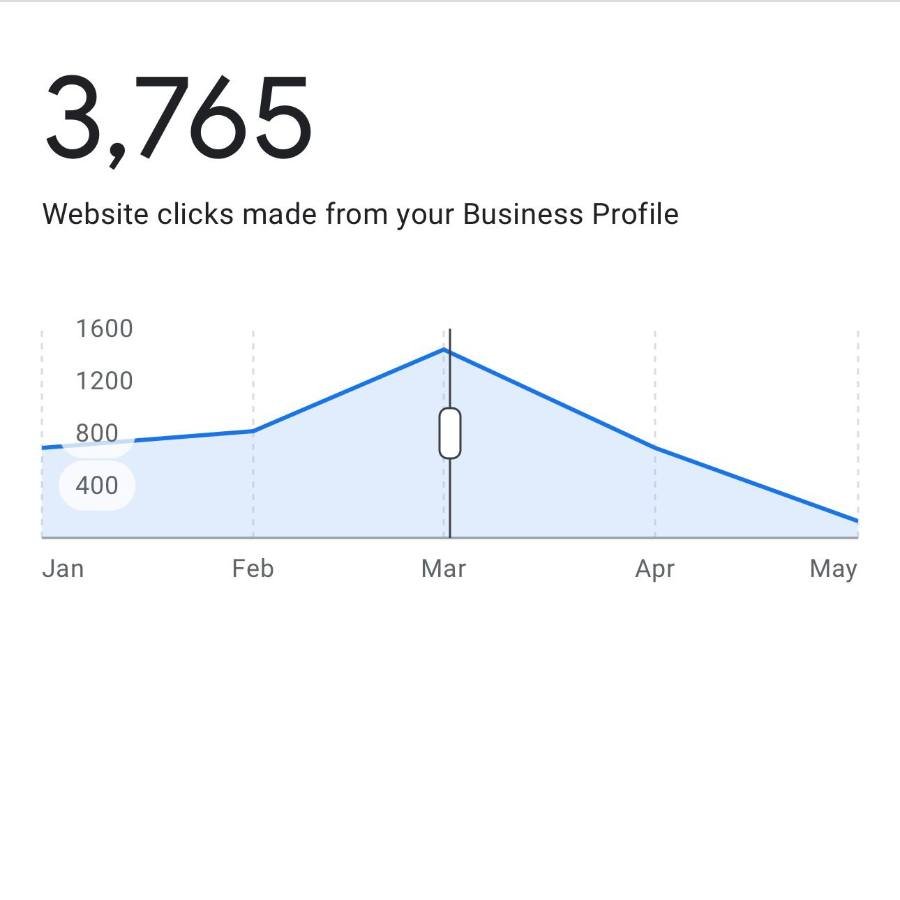
For an Indian restaurant in Glasgow, a local Google Ads campaign combined with Google Business Profile optimisation produced 105,000 impressions, 2,200 clicks, 5,027 local actions, 162 verified store visits and 581 direction requests in 30 days, for a total spend of £295.34. Read the full breakdown in our case study on 5,027 local actions in 30 days. Every restaurant and every area is different, so treat it as an example rather than a promise.
Common mistakes
Common problems include targeting too wide an area, sending traffic to a homepage that is hard to use on a phone, not tracking calls, and leaving ads running when the restaurant is closed. Another is running ads without a good profile, which wastes the click because the listing does not convince the customer.
Want help with this?
We set up and manage local Google Ads for UK restaurants. See our services or get in touch for a no obligation quote.
Frequently asked questions
How much should a restaurant spend on Google Ads?
Start with a modest daily budget focused on a tight area, review it after a few weeks, and increase it only if calls, visits or orders justify it.
Are Google Ads or SEO better for restaurants?
They work best together. Ads give you speed and control, while SEO and a strong Google Business Profile build visibility that keeps working without paying for each click.
Can I track store visits from Google Ads?
Google can report store visits for some advertisers where there is enough data, and you can always track calls, direction requests and website actions.
Want help getting more customers?
Send us your restaurant name and what you would like to achieve. We reply with a no obligation quote the same day.